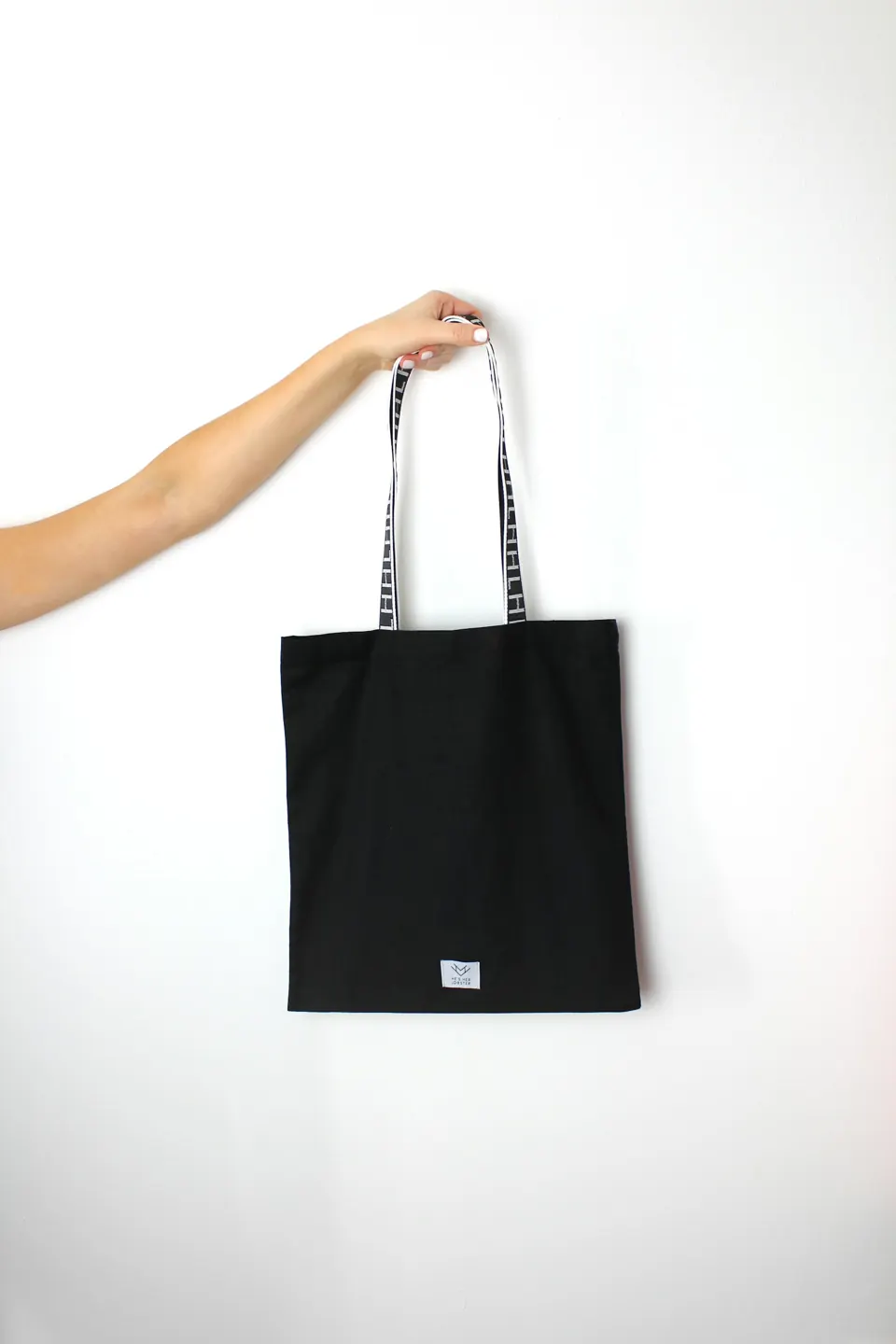
 6 materials
Tote Bags
Printed canvas, cotton, jute and rPET totes for retail, events and brands.
Materials: Canvas, Cotton, Jute, Juco (Jute-Cotton Blend), Recycled PET (rPET), Non-Woven (PP)+1
How-to guide
The right method depends less on the logo and more on what the bag is made of and how many you need.
Choose the printing method from the bag material, the number of colours in your logo and the quantity: screen printing for one to four flat colours in bulk, digital or DTF transfer for full-colour and short runs, embroidery for a premium stitched logo, and embossing for leather and PU.
Updated by the Vago team
Cotton, canvas and jute take screen printing well; polyester and nylon suit heat transfer and screen printing with suitable inks; leather and PU suit embossing or debossing.
Screen printing charges per colour, so a one- or two-colour logo is most economical. Photographic or gradient artwork needs digital or DTF printing.
Measure the flat front panel and leave margins from seams and handles. A logo at about 60% of the panel width usually looks balanced.
Provide the logo as AI, EPS, PDF or SVG with Pantone colours, so screens and proofs are accurate.
Check colour, size and placement on a physical sample before bulk printing starts.
6 materialsPrinted canvas, cotton, jute and rPET totes for retail, events and brands.
 2 materials
Eco-friendly jute shopping, gift and promotional bags with printed branding.
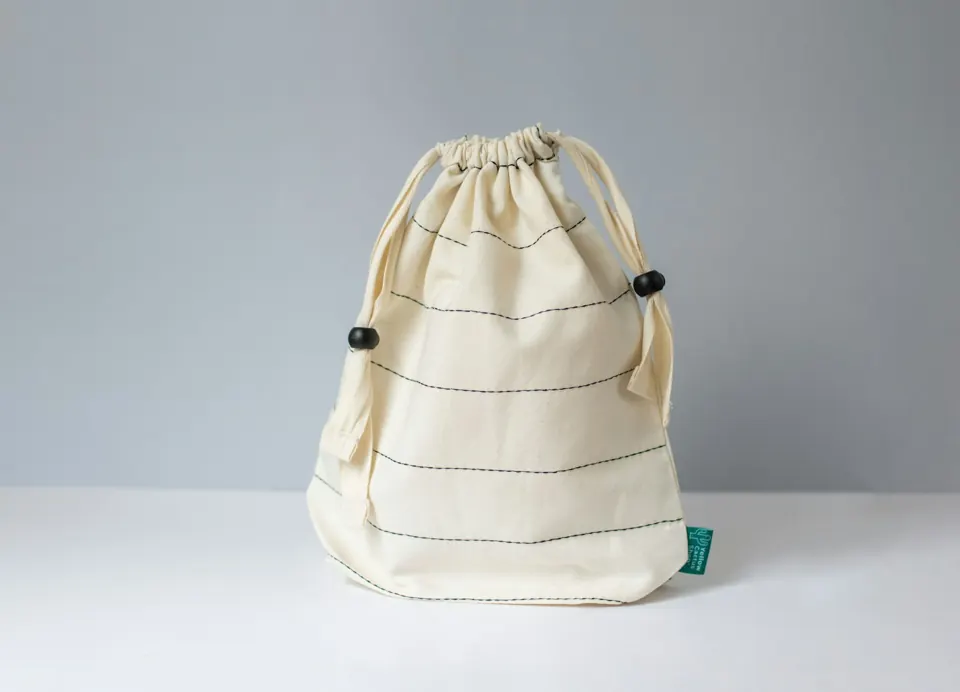 2 materials
Reusable, washable cotton bags for stores, brands and promotions.
Trade terms used on this page, in plain language.
Something else? Ask on WhatsApp and the production team will reply.
For bulk orders, one-colour screen printing is usually the most economical per piece.
Yes, with digital or transfer printing, but fine gradients are softened by jute's rough texture. Bold, simple artwork works best.
Share quantity, size, material and branding. We reply with specifications, MOQ and pricing, and arrange a sample first.